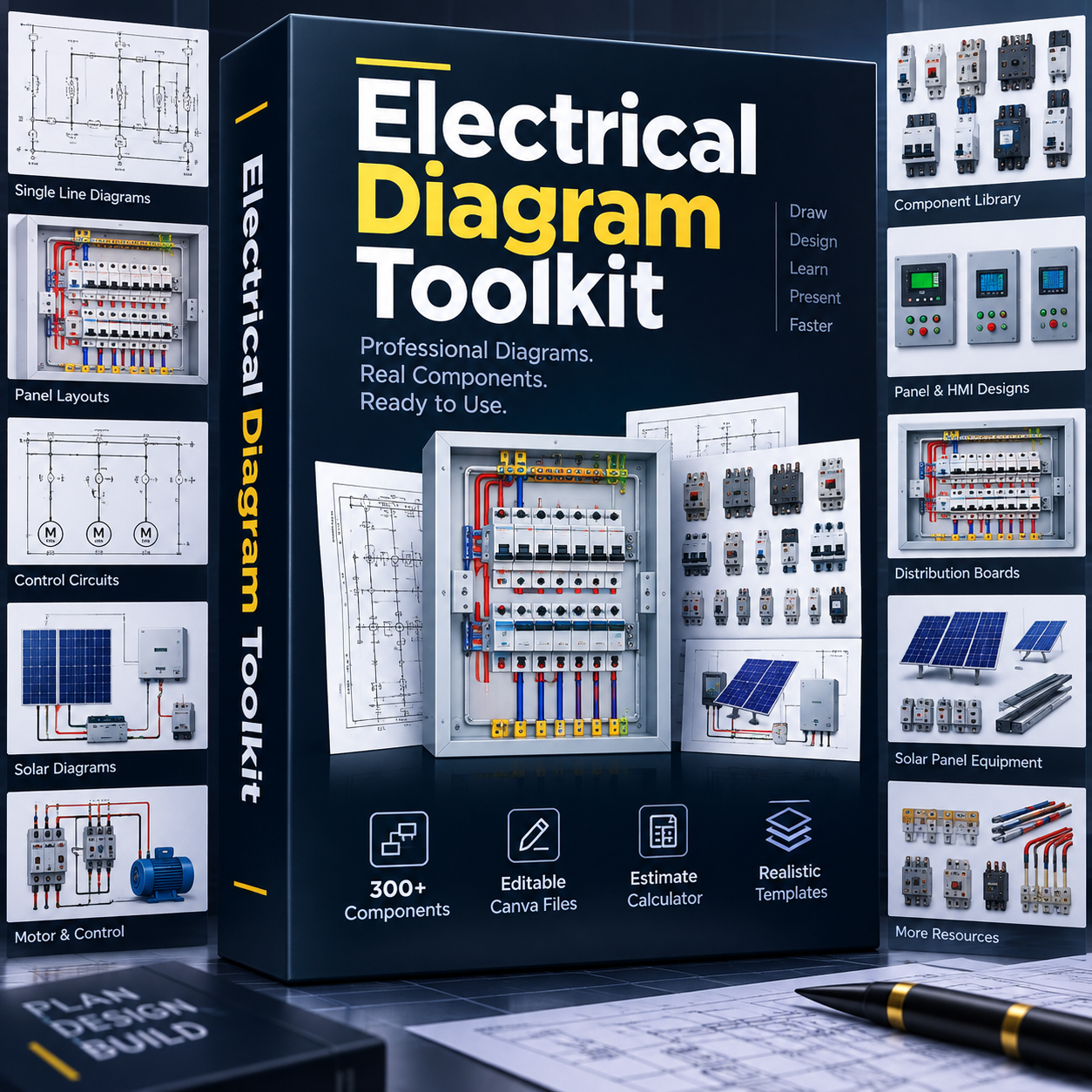
You know the work. Drawing it is the slow part.
- A client wants a drawing before he pays, and you are pulling lines by hand again.
- Drawing one panel properly in AutoCAD takes hours you do not have on a work day.
- You find a diagram online, but it is a flat picture. You cannot change one label on it.
- Your wiring is clean on site, but the drawing you send back does not look like it.
The parts are already drawn. You arrange them.
The Electrical Diagram Toolkit is a set of blocks. Each block is one real component: a contactor, a breaker, a relay, a terminal, a busbar and more. You drag out the parts your job needs, arrange them, connect them and add your own labels.
Alongside the blocks you get full diagrams that are editable the same way. Open one, adjust it to the panel or system in front of you, and make it yours.
A drawing that takes hours from scratch takes minutes this way, and you do not need AutoCAD or any heavy software to do it.
What is inside
1. Electrical Panel Blocks
The parts you fit inside a panel: contactors, breakers, relays, terminals, busbars, push buttons, indicator lamps and more. Pull out what the job needs and build your layout piece by piece.
2. Solar Block Diagrams
For solar work you get:
- Complete solar wiring diagrams: on grid, off grid and hybrid
- Solar panel, inverter, battery and charge controller connections
3. Fully Editable Electrical Diagrams
- Residential and commercial single line diagrams
- Electrical panel wiring diagrams
- Control panel and PLC references
- Practical diagrams used on real site work
Open any one, move a part, rename a terminal, change the colours, add your company name, and save it as your own.
Free bonus: Smart Electrical Estimate Template
Stop pricing jobs in your head. This one is copied straight to your own Google Drive.
- 400+ electrical materials already listed
- Put in quantity and price, the total calculates itself
- Add your profit and get the final price
- Generate a clean PDF quotation for your client
- Works on phone and laptop
From payment to first diagram
- Pay ₦5,500 at checkout and get the toolkit straight away.
- Open the toolkit. Inside it are the Canva links for each pack.
- Click a link and sign in with a free Canva account.
- Click Make a copy. The blocks and diagrams are now in your own Canva.
- Drag, arrange, label, then download as an image or a PDF.
You need a free Canva account. That is what makes every block and diagram editable, instead of a flat picture you cannot touch. No AutoCAD, no heavy software, no licence to buy.
If you get stuck getting access, message me on WhatsApp and I will sort it out with you.
Is this for you?
This is for you if
- You draw wiring diagrams for clients.
- You do solar installations.
- You work with panels, motors or control systems.
- You are tired of repeating the same drawing work.
- You are an apprentice learning how a panel is laid out.
This is not for you if
- You want finished diagrams to print and hand over without touching them.
- You are not willing to open a free Canva account.
- You need AutoCAD or DWG files for a drawing office.
- You want someone to draw your diagrams for you.
347+
copies of the Toolkit sold so far.
Tap any message to read it full size, then use the arrows to see the rest.
Get the Toolkit for ₦5,500
Who made this
My name is Isah Muhammed Lawal. I am an industrial electrical technician in Nigeria. I work on real panels, real motors and real faults, not classroom examples.
I built this toolkit because I was tired of redrawing the same contactor and the same breaker every time a client asked for a diagram. So I drew the parts once, properly, and made them editable. Now I pull out what I need and the drawing takes minutes.
I am sharing the same set I use, so you can stop starting from a blank page too.
What you pay and what you get
- Electrical Panel Blocks pack
- Solar Block Diagrams pack: on grid, off grid and hybrid
- Fully Editable Electrical Diagrams pack
- 300+ blocks in total, all editable in Canva
- Free bonus: Smart Electrical Estimate Template with 400+ materials
- WhatsApp help if you have any trouble getting access
No subscription. Pay once, use it on every job after that.
Drawing is one skill. Understanding the circuit is the other.
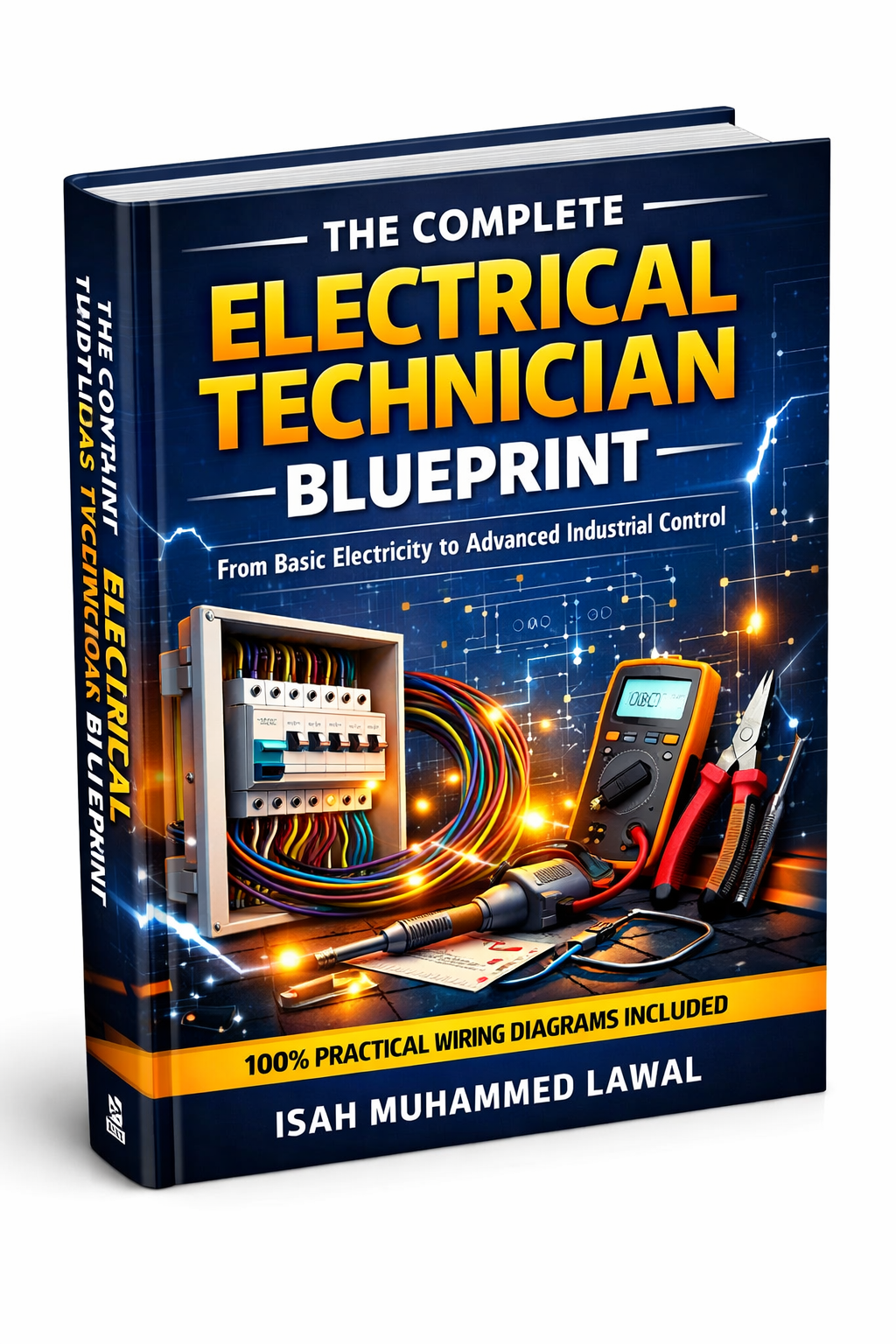
The Toolkit helps you draw the panel. The Complete Electrical Technician Blueprint teaches you what happens inside it: circuit protection, DOL, star delta, reverse forward, PLC, VFD, CCTV and fault finding, across 24 chapters.
It is a separate book, not part of this toolkit. Pick it up when you are ready for it.
See the BlueprintQuestions technicians ask me
I am still an apprentice. Will I understand it?
Yes. The blocks are named, so you learn what each part looks like while you arrange it. Many apprentices use it to practise panel layout before they touch a real panel.
What exactly do I receive after paying?
You get the toolkit straight after payment. Inside it are the Canva links to each pack. You open a link, make a copy into your own Canva account, and everything is yours to edit. If you cannot get in for any reason, message me on WhatsApp with your payment details and I will get you in myself.
Do I need AutoCAD, or do I have to pay for Canva?
No AutoCAD, and no paid Canva. A free Canva account is enough. Sign in once, copy the packs, and start working.
Are these ready made diagrams I can just print?
The blocks are parts, not finished drawings, and the diagrams are all editable. You shape them to match the exact panel or system in front of you. That is the point.
Can I use these for client work and quotes?
Yes. Add your company name, draw the diagram, download it as an image or PDF, and send it with your quote or print it for the job file.
Does it work on my phone?
Yes. Canva runs in your phone browser or in the Canva app. A laptop is more comfortable for a big panel layout, but a phone works.
Can I pay with a bank transfer?
Yes. Card and bank transfer both work at checkout. If the payment gives you any trouble, message me on WhatsApp on +234 907 505 4828 and I will sort it out with you.
I am not in Nigeria. How do I pay?
On the checkout page, tap the currency option at the top left where it shows NGN and pick your own currency, then pay as normal. Make sure the currency is correct before you pay.
Stop drawing from a blank page
300+ editable blocks, solar and panel diagrams you can change, and the estimate template with 400+ materials. One payment of ₦5,500, and you use it on every job after that.
Get the Toolkit for ₦5,500Instant access after payment.